
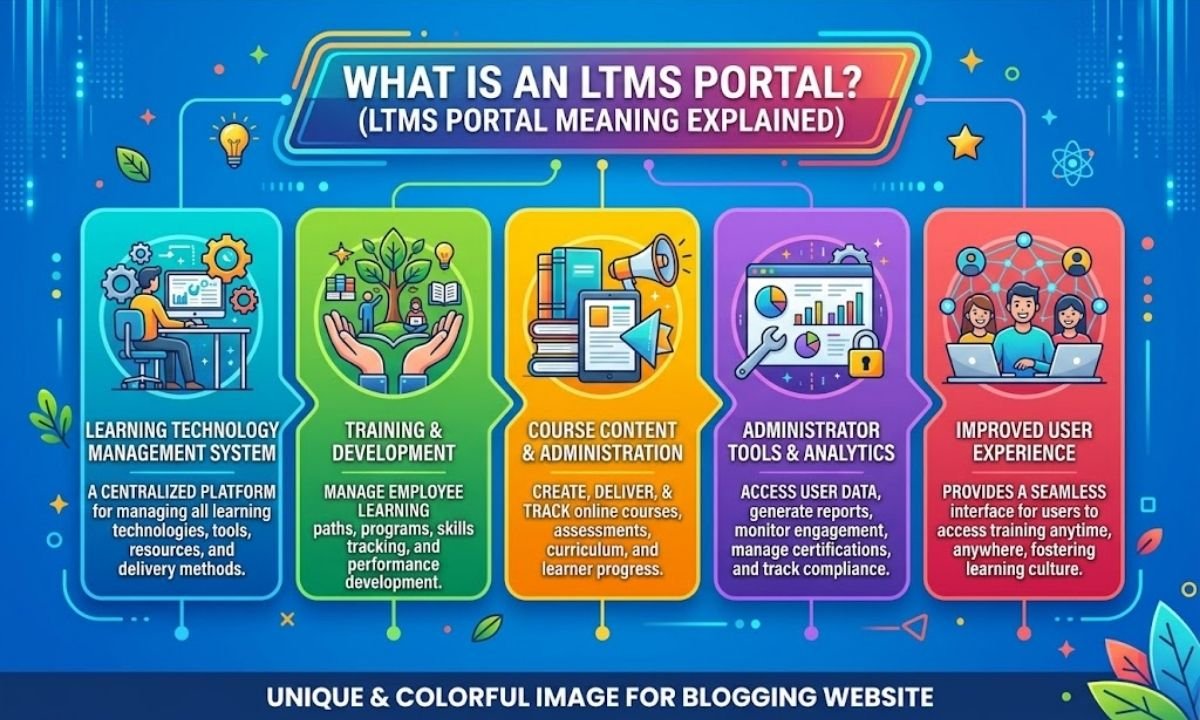

Standing in line at the LTO used to mean losing half your day, if not more. Between long queues, missing documents, and unclear procedures, renewing a license or registering a vehicle felt like a chore nobody looked forward to. That’s exactly the problem the LTMS Portal was built to solve.
If you’ve been asked to “log in to LTMS” or “register on the LTO Portal” and weren’t quite sure what that meant, you’re not alone. This guide breaks down everything you need to know — from what LTMS actually stands for, to how the portal works, what you’ll need to sign up, and how to avoid the most common headaches motorists run into.
Let’s get into it.
LTMS Portal Meaning in Text
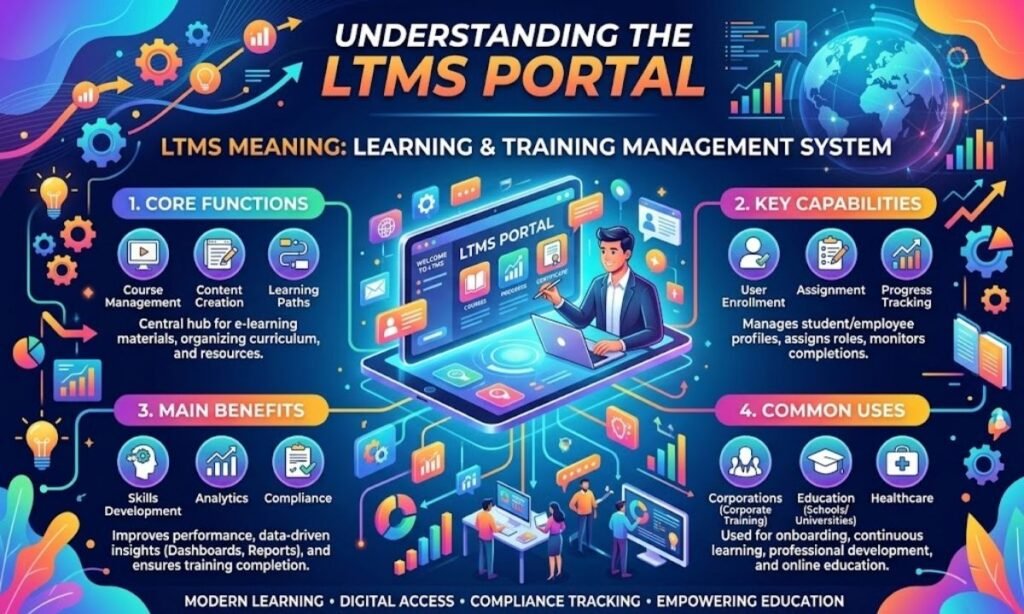
LTMS stands for Land Transportation Management System. It’s the official digital platform of the Land Transportation Office (LTO) in the Philippines, designed to handle motorist transactions online instead of requiring an in-person visit for every single step.
You’ll often see it referred to interchangeably as the “LTO Portal” or the “LTMS Portal” — both terms point to the same system.
What Is the LTMS Portal?
The LTMS Portal is a web-based system launched by the LTO in 2020 to centralize and digitize its services. Instead of visiting a branch for every transaction, motorists can now start — and in many cases complete — their requests online.
At its core, the portal acts as:
- A 24/7 digital gateway to LTO services, accessible from any device with internet access
- A records archive storing your driver’s license details, vehicle registration, receipts, and violation history
- A transaction tracker that shows real-time status updates instead of requiring follow-up calls or visits
- A learning platform offering theoretical driving courses and refreshers for applicants
The bigger goal behind LTMS was to reduce overcrowding at LTO branches, cut down processing times, and make it harder for fixers to exploit motorists who don’t know the proper process.
Key Features of the LTMS Portal
Here’s a quick breakdown of what the portal actually offers once you’re registered:
| Feature | What It Does |
| Driver’s License Application/Renewal | Submit requirements and schedule an appointment online |
| Vehicle Registration | Renew or process registration without repeated branch visits |
| Violation and Fine Checker | View recorded traffic violations and pay fines online |
| Transaction History | Access past receipts and payment records anytime |
| Appointment Scheduling | Book a specific date and time slot at your chosen LTO office |
| Online Theoretical Course | Complete the required driver’s education module digitally |
| Document Archive | Store and retrieve your license, OR/CR, and related records |
These features don’t eliminate every branch visit, but they remove the guesswork and most of the waiting.
How to Use the LTMS Portal
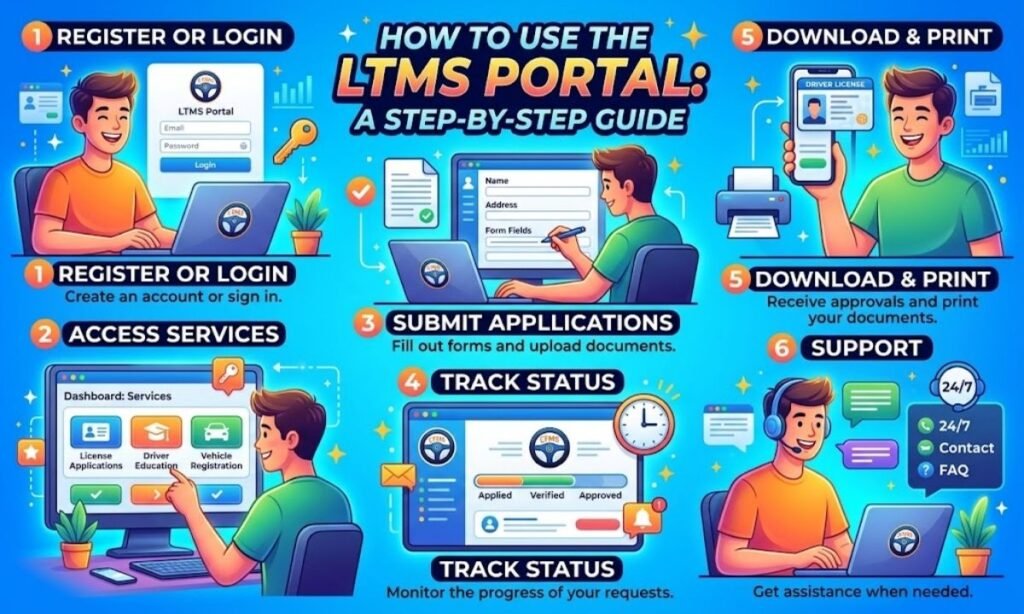
Getting started with LTMS follows a fairly straightforward sequence:
- Go to the official LTMS Portal website.
- Click “Register” and choose whether you’re enrolling as an individual, company, or foreign national.
- Fill out the registration form with your personal, license, and vehicle details (if applicable).
- Verify your account through the email link sent to your registered address.
- Log in using the username (usually a system-generated number) and password you set up.
- Select the transaction you need — license renewal, registration, violation payment, and so on.
- Upload requirements, pick a branch and appointment slot, then wait for confirmation.
- Visit the branch on your scheduled date, if the transaction requires in-person verification, biometrics, or exams.
Not every transaction is fully online end-to-end. For most license and registration processes, the portal handles the paperwork and scheduling, while final verification still happens at a physical office.
What You’ll Need to Register
Before creating an account, have these ready so the process goes smoothly:
- Valid email address — used for verification and all official notices
- Active mobile number — for OTP verification and account security
- A device with stable internet — phone, tablet, or computer
- Personal details — full name, birthdate, and complete address
- Driver’s license number — if you already hold one
- Official receipt (OR) number — or your mother’s maiden name if the OR isn’t available
- For foreign nationals — Alien Certificate of Registration (ACR) number, nationality, and expiry details
Having these on hand before you start prevents the form from timing out while you dig through your files.
Pro Tips for Using the LTMS Portal
A few small habits can save you a lot of frustration:
- Register early. Don’t wait until your license or registration is about to expire — appointment slots fill up fast.
- Double-check your details before submitting. Errors in your name or birthdate can delay processing significantly.
- Screenshot your confirmation and reference numbers. These come in handy if the system glitches or your appointment needs rescheduling.
- Use a personal, frequently checked email. Verification links and appointment confirmations go there.
- Avoid peak hours (typically Monday mornings) when trying to log in or book a slot — server traffic is heaviest then.
- Never pay a “facilitator” for faster processing. The whole point of LTMS is to remove the need for fixers.
Challenges You Might Encounter
The LTMS Portal has made things faster overall, but it isn’t without its quirks. Common issues motorists report include:
- Slow server response during high-traffic periods, especially near license renewal deadlines
- Limited appointment slots, particularly in urban branches
- OTP or verification email delays
- Confusion between online-only steps and in-branch requirements
- Forgotten login credentials, since usernames are often long system-generated numbers rather than something memorable
Most of these are temporary and resolve with a bit of patience, a stable connection, or trying again during off-peak hours.
Get Ready with DriveSafe PH

Even with a smoother online process, one part of getting or renewing your license still requires real preparation: actually knowing how to drive safely and understanding the rules of the road. This is where DriveSafe PH comes in.
Whether you’re a first-time applicant preparing for your theoretical exam or a driver brushing up before renewal, having a reliable partner to walk you through the requirements, practical lessons, and application process makes the entire LTMS journey far less stressful.
Why Choose DriveSafe PH?
- Structured driving lessons tailored for LTO exam readiness
- Clear guidance on LTMS registration and requirement checklists
- Experienced instructors who understand common applicant mistakes
- Support for both new drivers and renewing license holders
- A straightforward, fixer-free approach to getting road-ready
Instead of navigating LTMS requirements alone, having a trusted guide beside you means fewer errors, less back-and-forth, and a much smoother path to holding a valid license.
Conclusion
The LTMS Portal has changed how Filipino motorists interact with the LTO — moving many transactions online, cutting down on wasted hours in line, and giving people direct access to their own records. It isn’t a perfect system, and occasional slowdowns or scheduling limits still happen, but it’s undeniably a major upgrade from the fully manual process of years past.
Understanding what LTMS means, what it can do, and how to register properly puts you in a much better position the next time you need to renew a license, register a vehicle, or settle a violation. Prepare your documents ahead of time, stay patient with the system, and skip the fixers — the portal was built precisely so you wouldn’t need them.
Frequently Asked Questions
What does LTMS stand for?
LTMS stands for Land Transportation Management System, the LTO’s official online platform for motorist transactions in the Philippines.
Is the LTMS Portal free to use?
Yes, registering and creating an account on the LTMS Portal is completely free of charge.
Can I complete my entire LTO transaction online through LTMS?
Not always — many transactions require submitting details online first, then visiting a branch for verification, biometrics, or exams.
Do I need to take an online course before getting a license?
Yes, first-time applicants typically must complete a theoretical driving course through the portal before applying for a license.
What if I forget my LTMS Portal password?
Use the “Forgot Password” option on the login page and follow the reset link sent to your registered email.
Is the LTO Portal the same as the LTMS Portal?
Yes, “LTO Portal” and “LTMS Portal” refer to the same official system and are used interchangeably.

About MeaningsRoot.com
At MeaningsRoot, we make words easy to understand. Our mission is to explain meanings, slang, phrases, and language concepts in simple, accurate, and reader-friendly articles that help you learn with confidence.